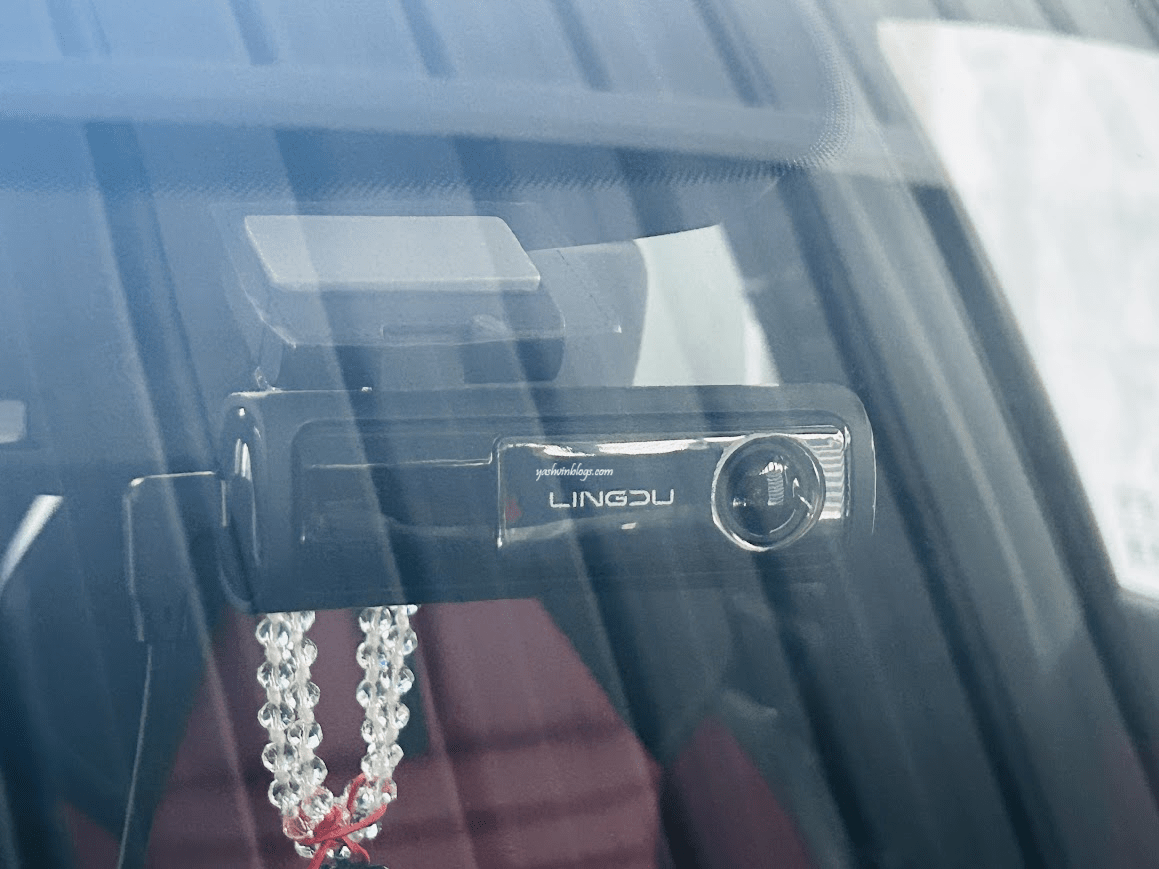
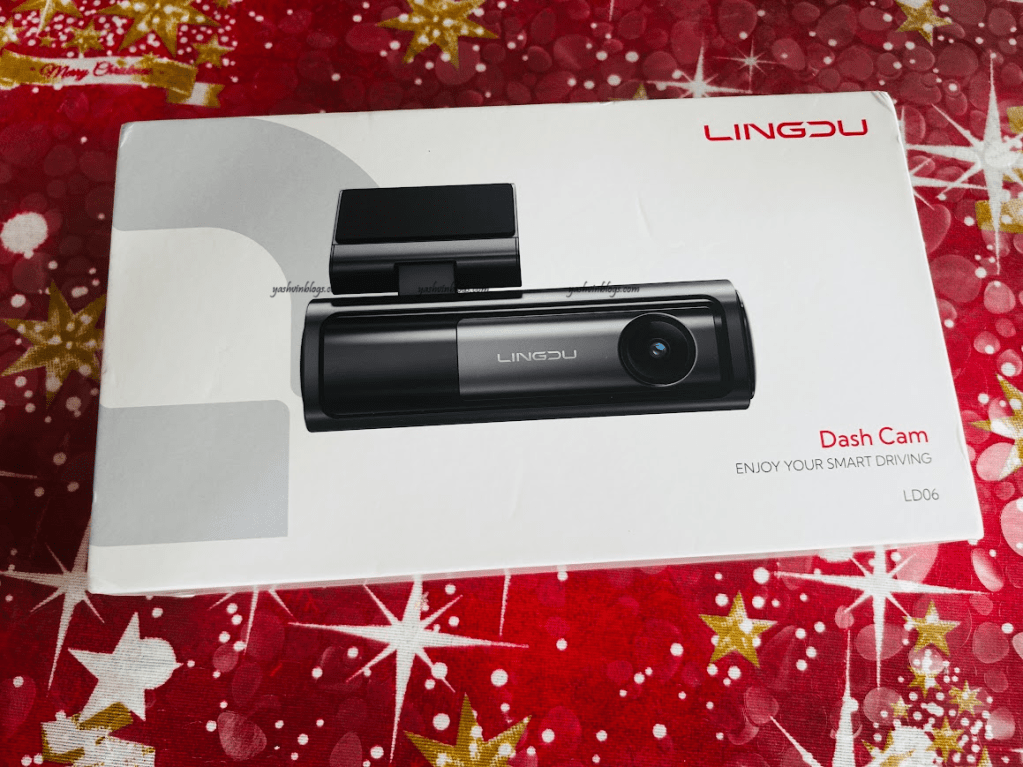
After I posted the video footage of the accident on my blog’s facebook page on Thursday, the clip became quite viral and many persons got in touch with me via messages or comments, asking me the make and model. And this lead to this blog post…. Before continuing further, do keep in mind that the video you can see on my Facebook is a compressed 1080p one, recorded in 2k (2560x1440P) only.
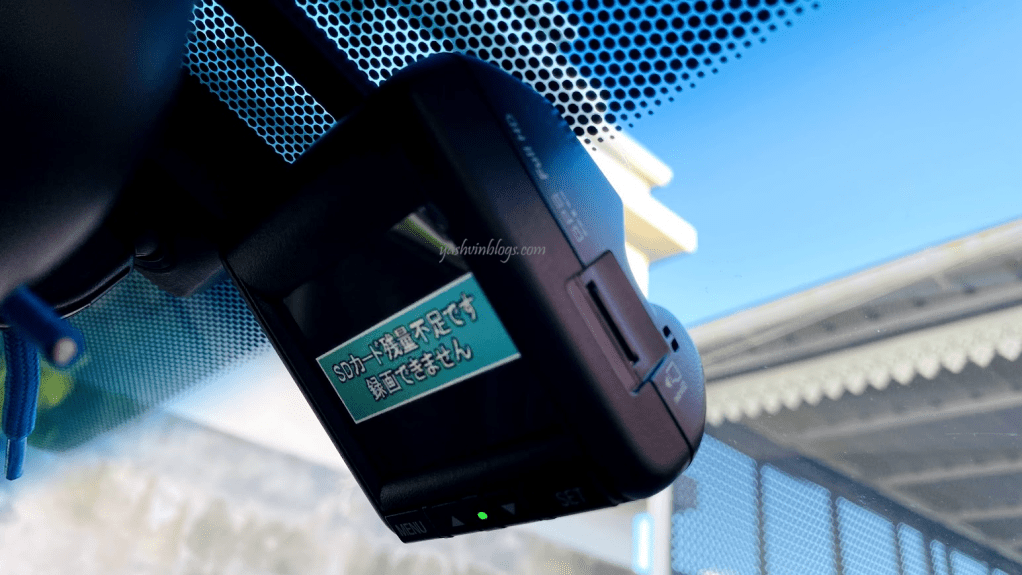
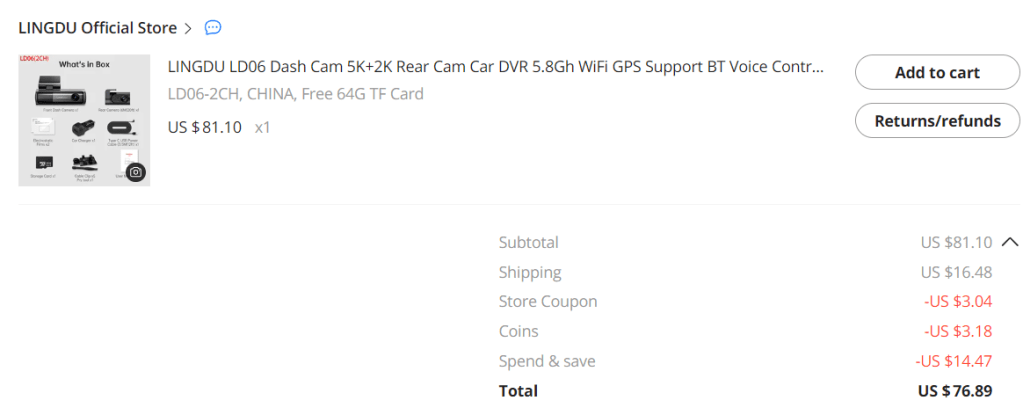
After selling my previous car (Honda) which had a genuine embeded dashcam (picture above) last year, I went for the Lingdu LD06 model, which I purchased it back in November 2023 on AliExpress for a total of $76 along with a free memory card. I applied a free ICTA clearance as I had to clear the item out of customs here and paid Rs540. Keep reading till the end to follow the link to the AliExpress seller.
5k front camera

I did not want a screen on the dashcam. I find that it takes space unnecessarily and in the past, I never watched any footage on the screen itself. In those cases, the screen was used only to configure the settings. Complete waste. With newer, smarter and built in wifi cameras, you can do everything on the app itself, from your mobile.
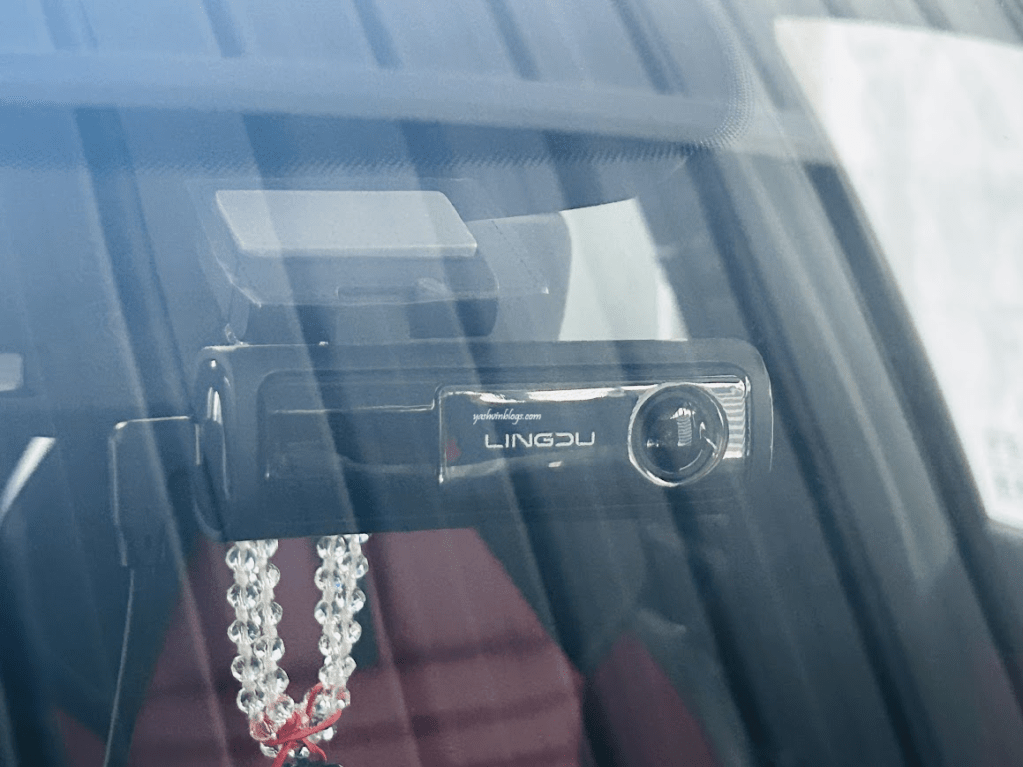
Despite having no screen, the front camera is quite impressive in size. And heavy too. You just plug in the power cable and it is recording within seconds. It is capable of recording 5k videos, with a resolution of 5120x2160P at 25fps. However, if you connect a rear camera, then 5k recording cannot be selected from the app.
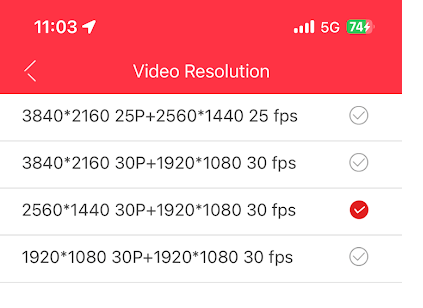
Other available resolutions are :
- Front 4K 3840x2160P + Rear 2560×1440 25fps
- Front 4K 3840x2160P + Rear 1920×1080 30fps
- Front 2K 2560x1440P + Rear 1920×1080 30fps
- Front 1920x1080P + Rear 1920×1080 30fps
The video you watched was recording in 2k (2560x1440P) front but I uploaded only the 1080p compressed version on Facebook.
So, just imagine if my dashcam was filming at 5k or 4k!
Sample video footage
I compiled a few samples recorded using the best quality resolutions with Front 4K 3840x2160P + Rear 2560×1440 25fps and uploaded it on youtube. At the time of publishing the post, youtube is displaying only a maximum of 1080p but once processed, it should be offering viewing at the max recorded resolution :
The question you might ask me : Why was my camera recording in 2k and not 4k.
To tell you the truth, I do not know and I cannot remember exactly. I probably decreased the video quality because my dashcam setup records 24/24, yes, all the time, even when parked in the yard at night! Even with a 64GB memory card, it gets filled and overwritten within hours.
A 3 mins footage of front dashcam at 4K 3840x2160P takes 520MB while the rear camera uses around 280MB for 2k. For the same length of footage but at front camera recording at 2K 2560x1440P, 325mb of space is needed and for the rear camera recording at 1920×1080, 220mb is required. With the max quality, my 64 gb memory card is able to store up to 4 hours max of recordings.
So, if I need to preserve a specific footage, I need to lock the video immediately via voice commands. Yes, voice commands. I will come to it below 🙂
Rear cam
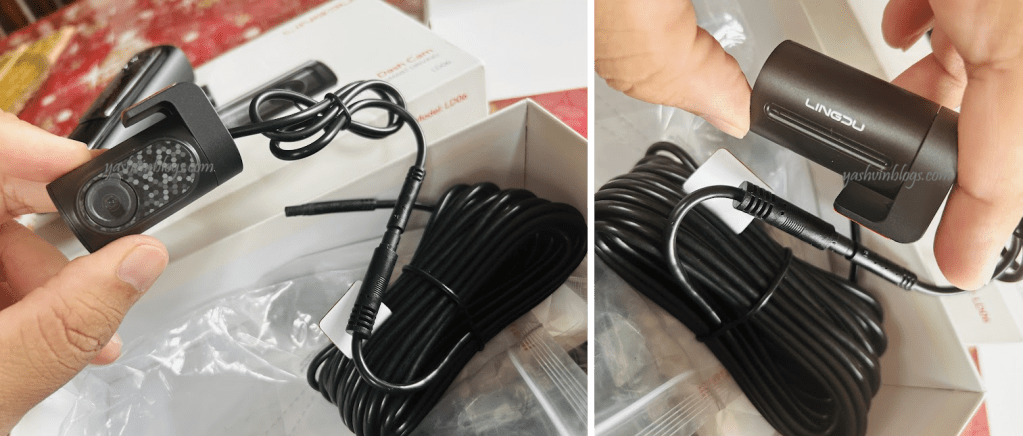
Having a rear camera was one of the main reasons I chose this model over other ones. And this is my first dashcam with a rear camera. Capable of recording 2K videos, the image quality itself is of very good quality and reliable.
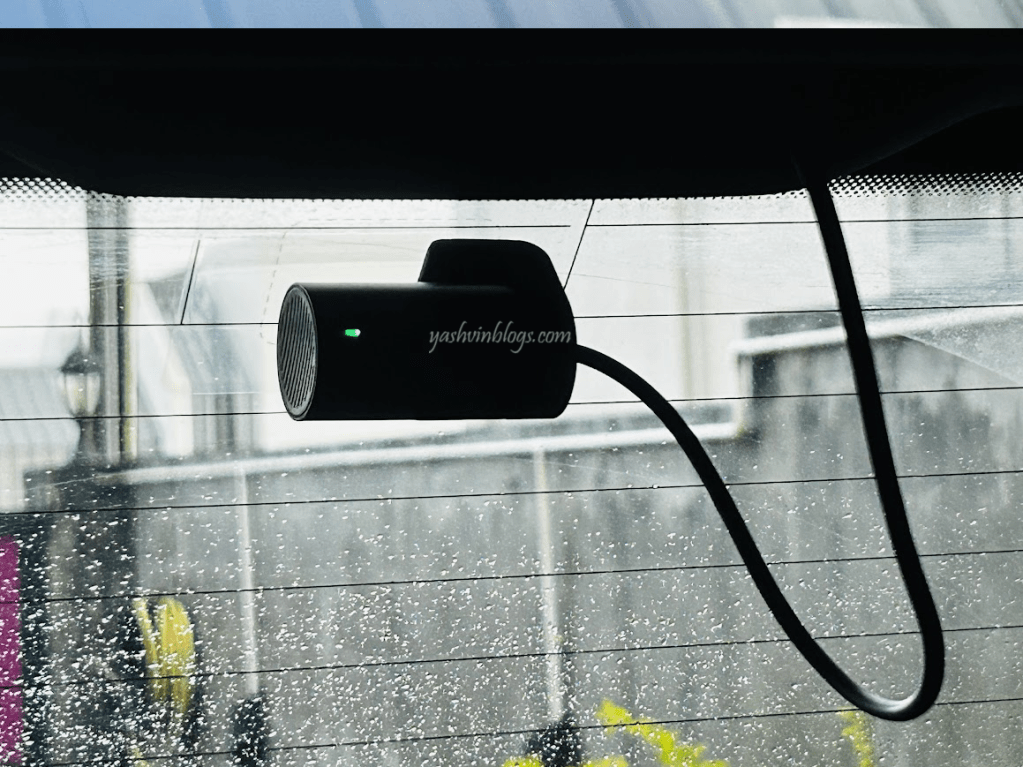
The rear camera turns out to be a big plus in dashcam footages. Good to note that the video files are stored separately, so at any time recording, two files will be saved, one for each camera.
Powering the cameras
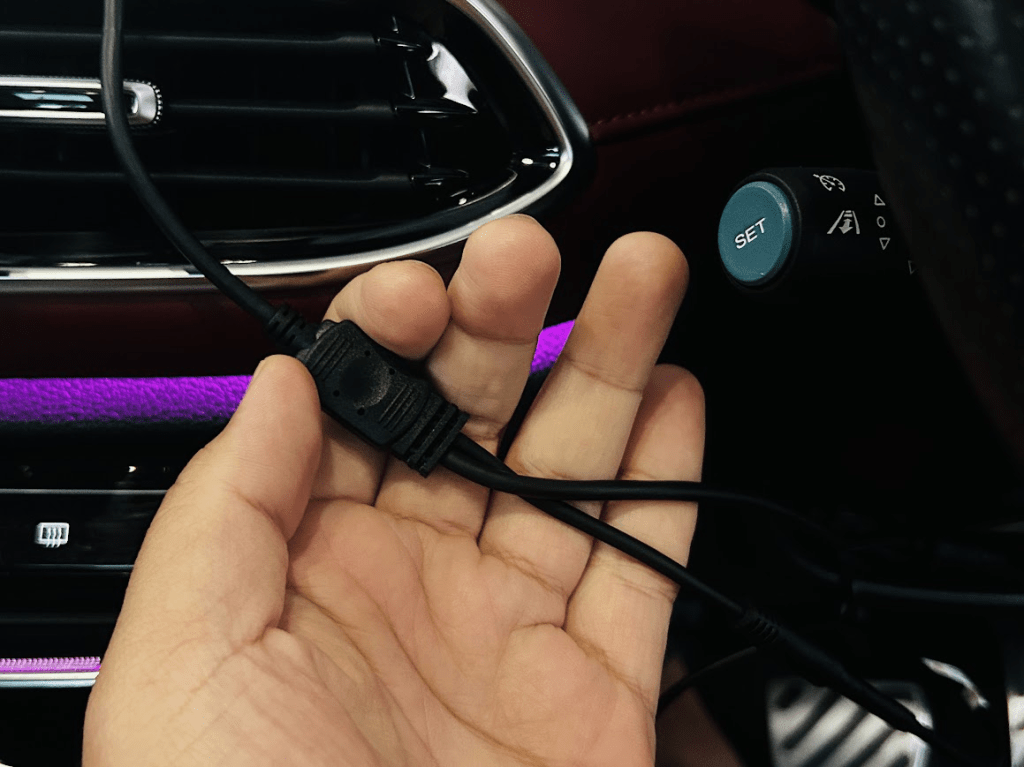
You need to have a single power source, which is ideally your cigarette lighter socket. That cable then splits into 2 different cables, each powering one camera, meaning, you will have one cable running to the front camera and another long one running to the rear camera.
Electrostatic film to stick your camera to your windshield
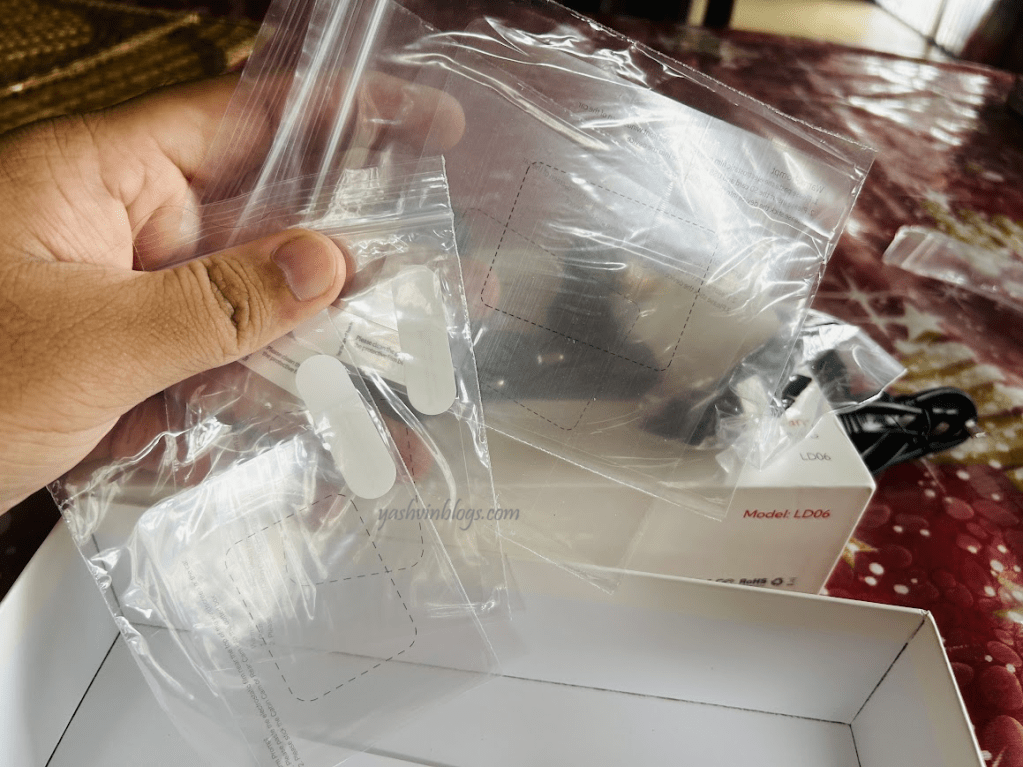
As compared to my previous cameras which were glued to the windshield via double-sided tapes or 3M stickers, the new generation of cameras now use a thin electrostatic film on which a small camera mount if sticked. I was quite impressed as the heavy front camera is securely holding in place for past 7 months now.
Installation is a bit cleaner but I nearly messed up. I need to buy a new set of stickers to keep in stock.
Watching your footage and journey on Lingdu (windows) desktop app
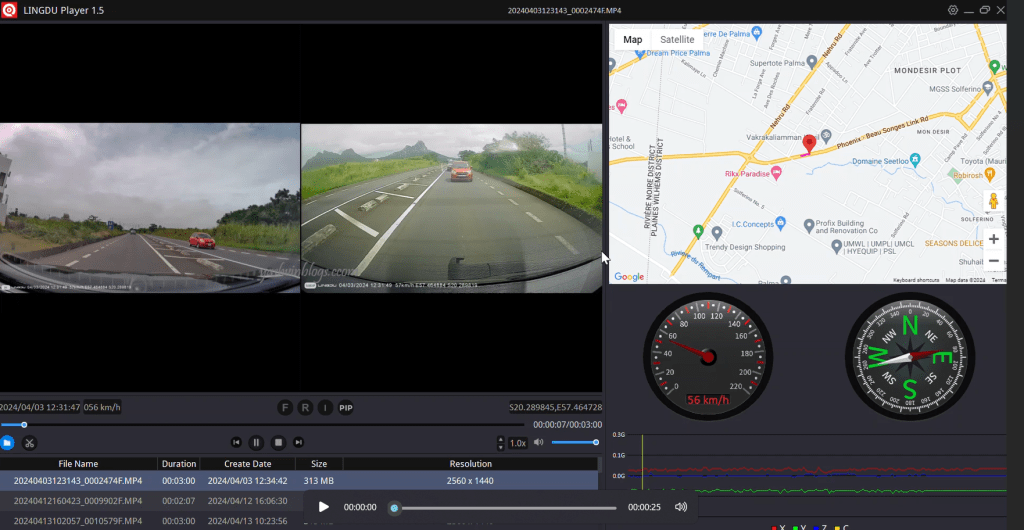
You can install the Lingdu software on your windows system to view footage simultaneously from both cameras along with a map showing your position. This is possible because the dashcam has a built in GPS module.
Lingdu mobile app via dual band wifi
The mobile app is truely intuitive, keeping everything within control. Once you are within the built in wifi coverage of the dashcam, the 5G wifi makes video streaming and downloading very quick.
Do note that when we talk about 5Ghz wifi, we are not talking about the 5G you have on your mobile. Completely different communication technologies. WIFI (the one you use at home, in public areas etc) can be broadcasted in 2 different frequencies, 2.4 Gigahertz and 5 Gigahertz. When connected to 5Ghz wifi, you will get higher speeds but however, it is only over short range, meaning that 5Ghz wifi will not go through walls etc. On the other hand, 2.4Ghz wifi will be accessible from a longer range but speed will be slower.
Voice commands
If while driving, you need to lock a video so that it does not get overwritten by newer ones, just say : “lock video”. The dashcam will respond back and say “video locked”.
Other commands are
- Take picture
- Turn on WIFI or Turn off WIFI
- Open recording. I never used this one, I need to test it.
Last words…
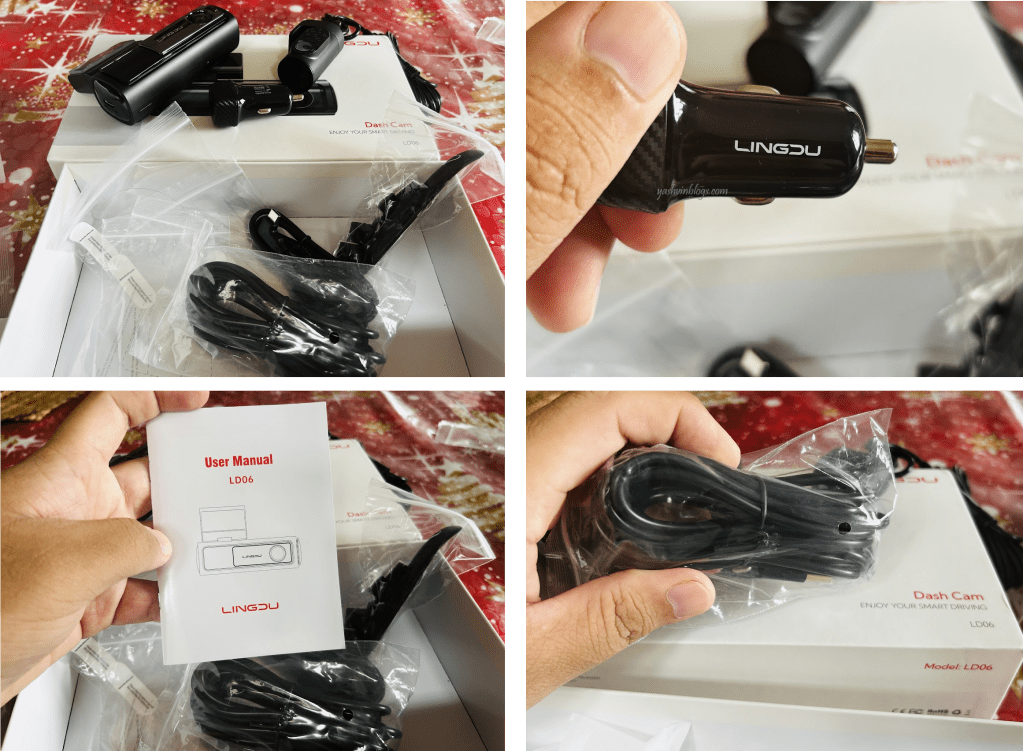
To conclude, I will say that this is the best dashcam (with its rear cam) I ever had. As compared to one of my previous dashcams, the Chortau one or my first dashcam the A118C (capacitor version) or the built-in dashcam I had in my previous Honda car, there is indeed a huge difference in terms of features and usability. And the price went down too. Only good things 🙂
Lastly, the link to the AliExpress seller is here.
Keep tuned for more blog posts and do not forget to follow my Facebook page!
 Yashvinblogs
thanks for the review yashvin, last i saw your blog for dashcam was the a118 and at that time i bought the a119 and still using till date. i was looking for a review of the lingdu one as i saw it on aliexpress. luckily came across this one. thanks again keep up the good work.
LikeLike